A new version of Advanced Reviews is out. Version 2.2.0 has two changes that people asked about for a long time.
- Editable review links can now work without a CMS login
- Review links and pins now work for headless websites
Editable links without a CMS login
Until now an editable link always opened inside the CMS. The reviewer had to log in first. In many projects this meant a shared account, created only for the reviewers. It worked, but it was never nice.
Now you can turn this off.
services.AddAdvancedReviews(options =>
{
    options.EditableLinksEnabled = true;
    options.AllowAnonymousEditableLinks = true;
    options.PinCodeSecurity.Enabled = true;
});
With AllowAnonymousEditableLinks the link opens on the public site, so no login is needed.
The reviewer only types a name. This name is shown next to the comments.
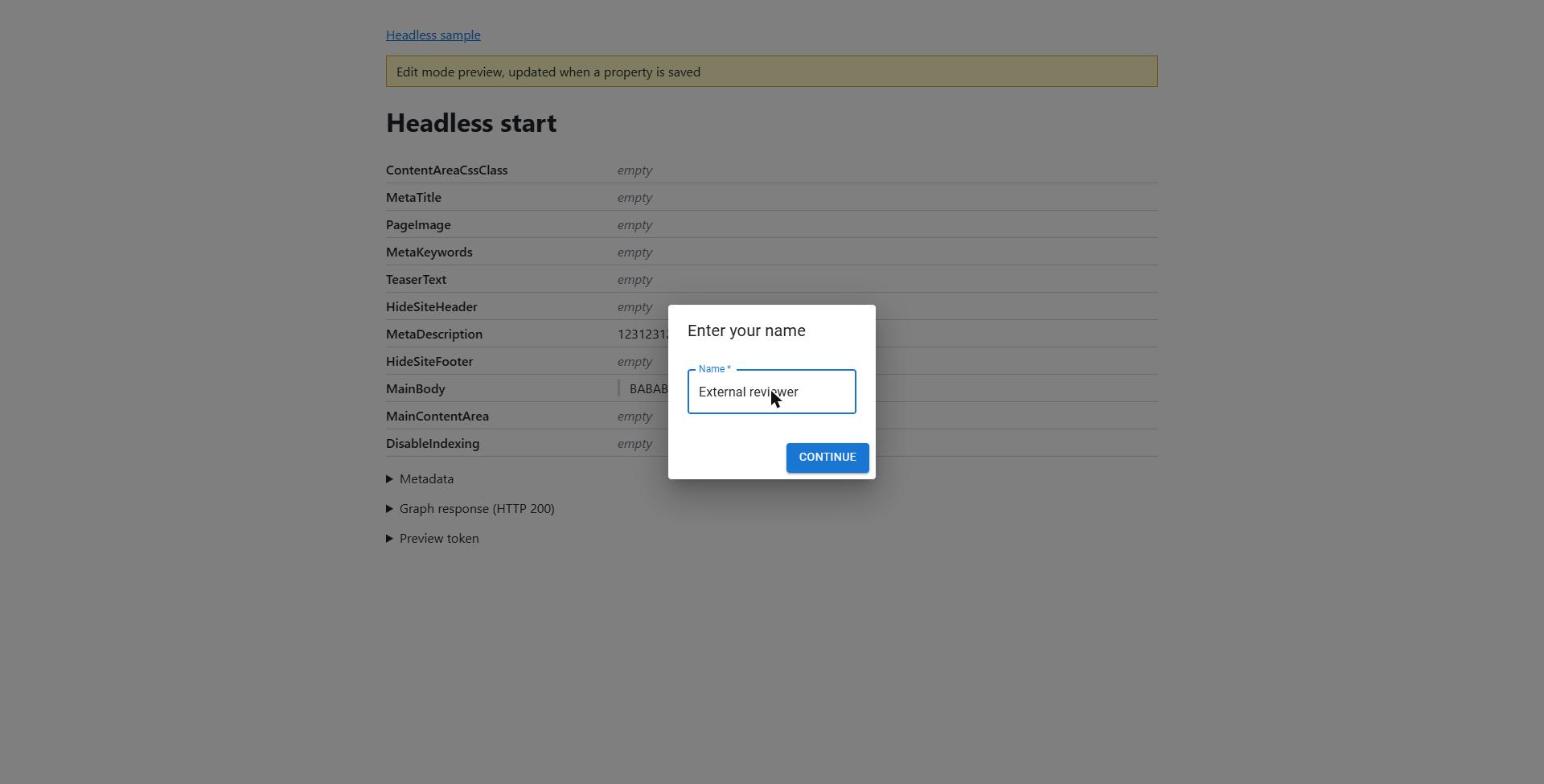
Access is based only on the link, so please keep a few things in mind.
- anyone who has the link can use it until it expires
- if the link has a PIN code, the reviewer must enter it first
- reviewers can remove only the pins they added themselves
- reviewers can reply to pins, but they can't change comments that are already saved
- the name is typed by the reviewer, nobody checks it
I recommend using a PIN code together with this option.
Headless websites
More and more projects use the CMS only for content. The website itself is a separate application that reads the content from Optimizely Graph. Before 2.2.0 external reviewers could not review that kind of content.
Now it works. When you create a review link for a page from a headless website, the add-on notices it and builds the link a bit differently.
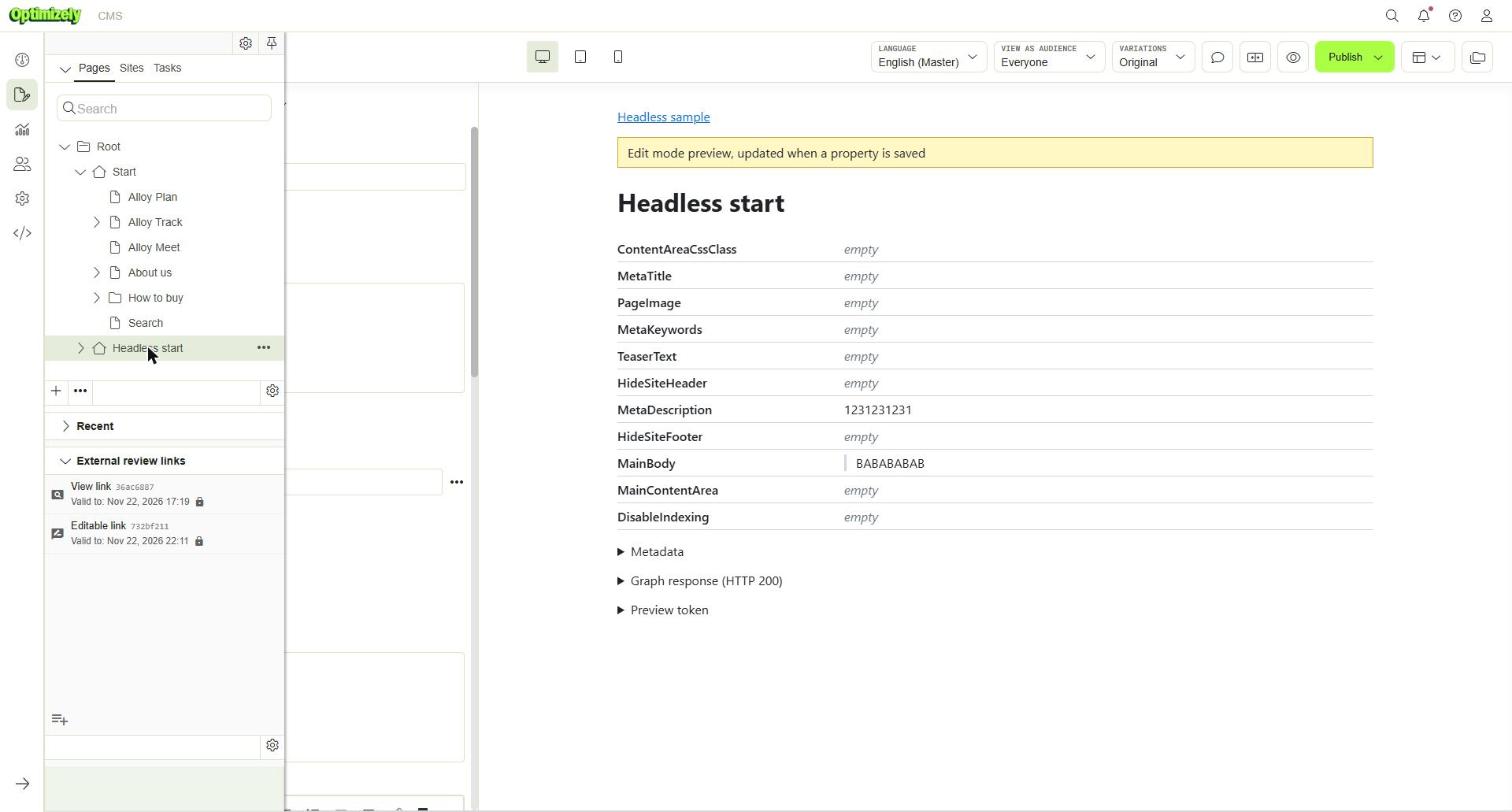
A view link first goes to the CMS. The CMS checks the link and the PIN code, creates a preview token and then redirects the reviewer to the website. This is the same way the preview in Edit Mode works. So if your website already supports the CMS preview, you don't need to change anything.
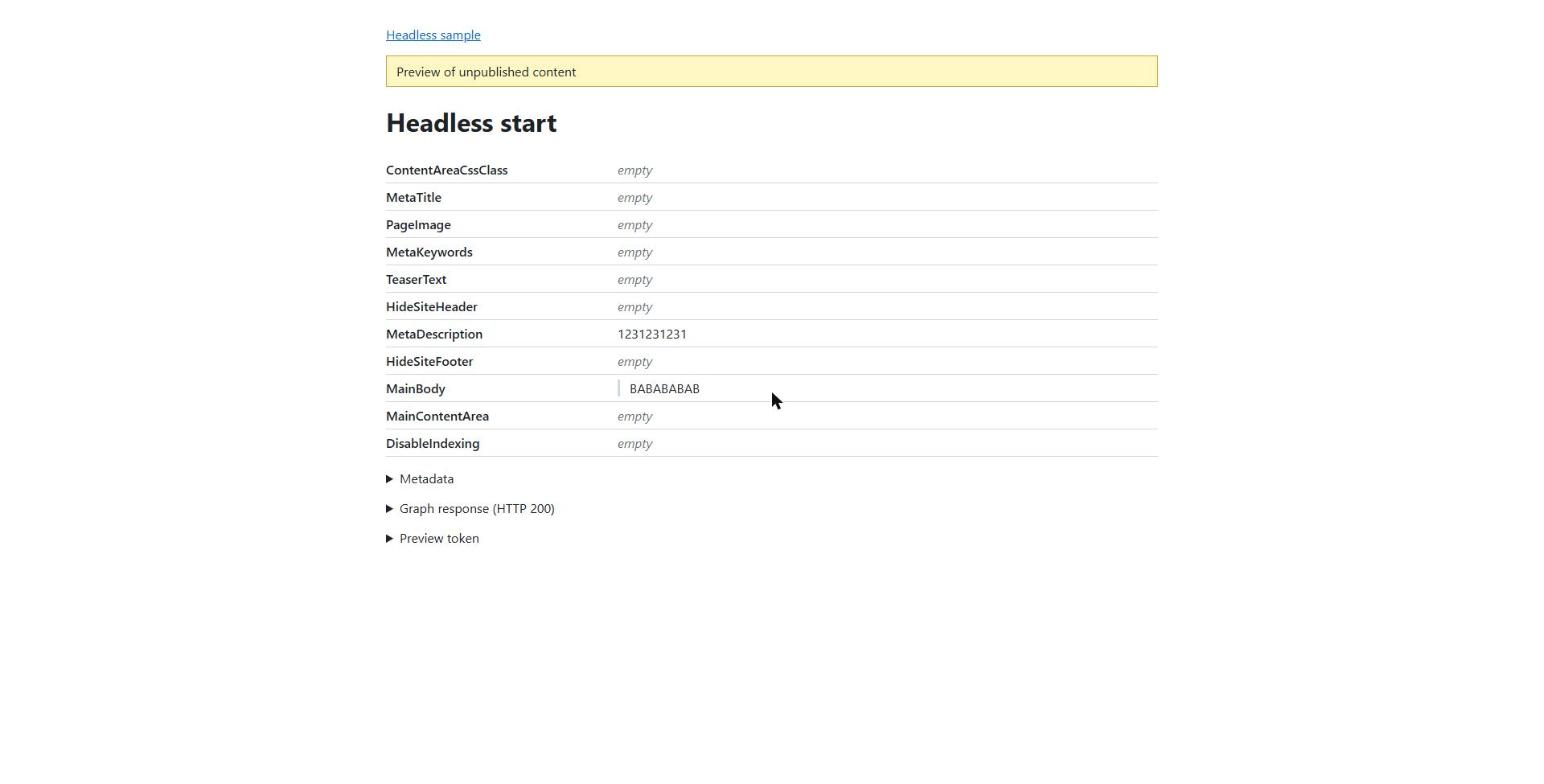
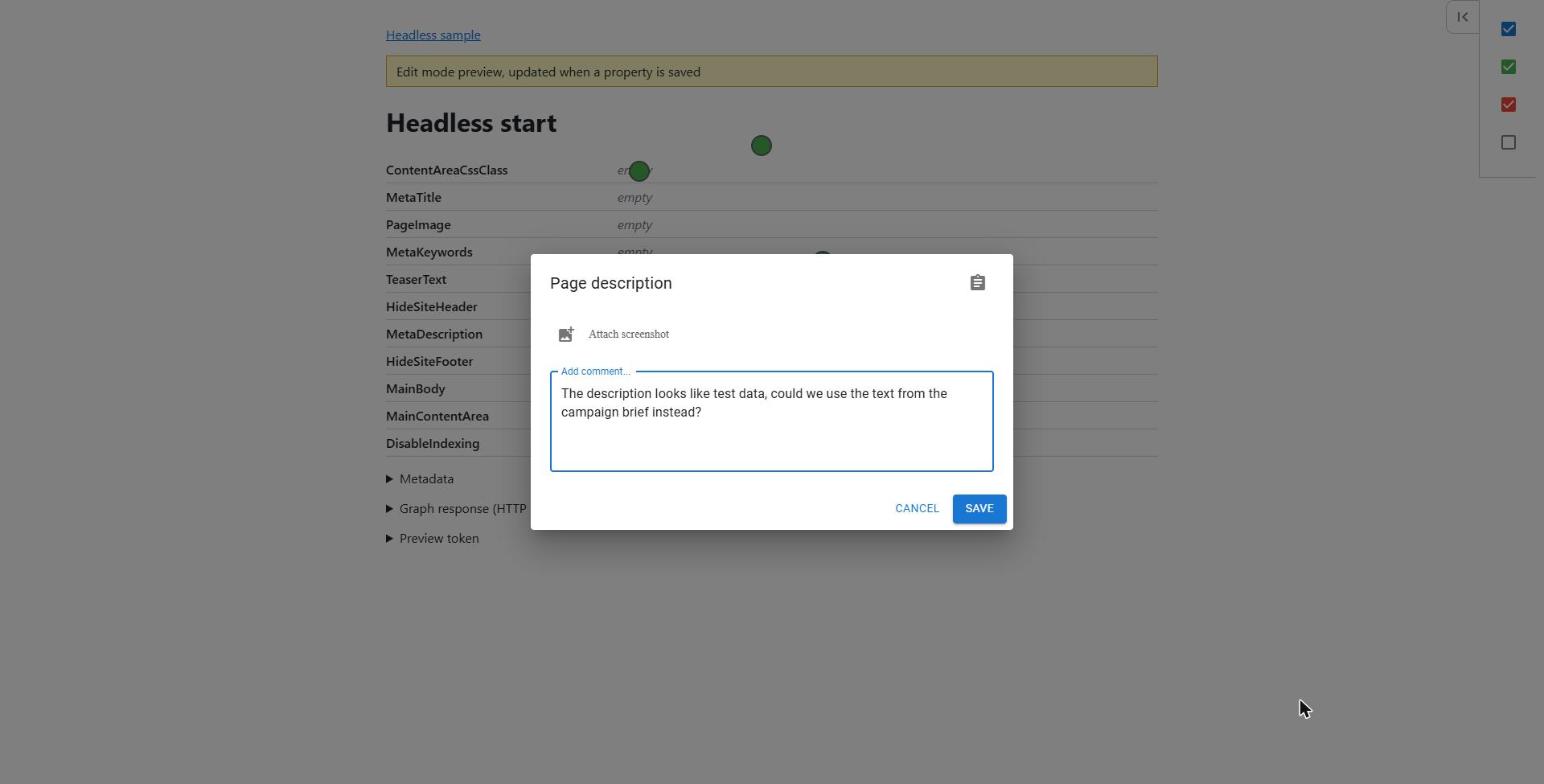
Pins work too. The website runs on a different domain, so the add-on can't look inside the page anymore.
It uses the messages from communicationinjector.js instead, the same script that on-page editing needs.
If your website supports on-page editing, pins should just work.
One difference is that a pin is attached to a whole property, not to a single element on the page.
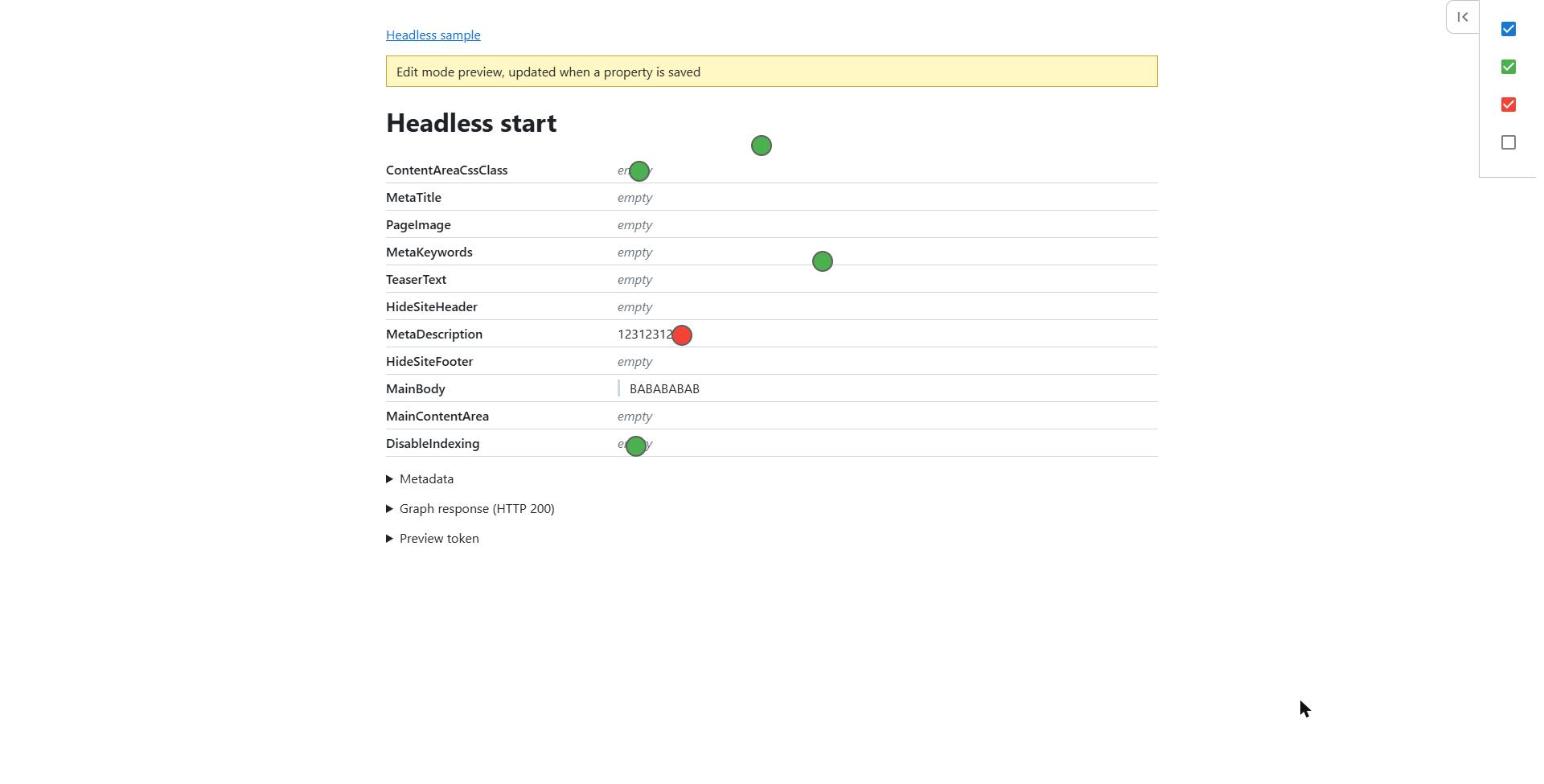
The feature is on by default. There are two settings.
services.AddAdvancedReviews(options =>
{
    options.HeadlessPreview.Enabled = true;
    options.HeadlessPreview.ReviewerRoles = new[] { "ExternalReviewers" };
});- Enabled - (default: true) - review links for headless content go to the website preview
- ReviewerRoles - (default: empty) - extra roles added to the preview token
The preview token can read all unpublished content that these roles can read, not only the reviewed page. So it's better to keep the list of roles short.
If you want to try it locally, the repository has a small headless sample. Just run run-headless.cmd.
It starts Alloy on http://localhost:8000 and the headless sample on http://localhost:8001.
Install
The new version needs CMS 13.7.0 or later.
Install-Package Advanced.CMS.AdvancedReviewsIt's available through the official Optimizely nuget feed - https://nuget.optimizely.com/package/?id=Advanced.CMS.AdvancedReviews
The code is on github https://github.com/barteksekula/advanced-reviews
Reviewers should not need a CMS account to give feedback, and now they don't.